


You open Lotus365, hit login, and instead of your account, you get a screen that says something like Checking your browser before accessing the site. It spins for a few seconds, and then… it starts all over again. The page just keeps refreshing itself. This is one of the most common complaints from Indian users trying to access the platform, and the fix is simpler than you’d expect.
This article explains exactly why your Lotus365 login keeps redirecting and what to do about it, step by step.
Why Does the Lotus365 Login Page Keep Redirecting?
That checking your browser message is not a bug with your account. It comes from a security layer called Cloudflare, which many online platforms use to block bots and protect their servers from attacks.
Here’s how it works in plain words. When you visit the site, Cloudflare runs a quick check to confirm you’re a real person using a real browser. It does this by placing a small file called a cookie on your device. If your browser accepts that cookie, the check passes and you go straight to the site. If your browser blocks that cookie or can’t store it properly, Cloudflare keeps running the check again and again, which creates the redirect loop you’re seeing.
There are several reasons this check fails, and all of them are fixable on your side.
The Main Causes And What You Can Do About Each One
1. Your Browser Is Blocking Cookies
This is the most common reason. Some browsers, especially in private or incognito mode, block third-party cookies by default. Cloudflare’s verification needs cookies to work. Without them, it can’t confirm you’re human, so it keeps checking.
What to do: Open the site in a regular browser window, not incognito. On Chrome for Android, go to Settings, then Site Settings, then Cookies, and make sure cookies are turned on. On Firefox, check Privacy and Security settings and set cookie blocking to Standard instead of Strict.
2. A Browser Extension Is Interfering
Ad blockers, privacy tools, and VPN extensions are popular in India, especially free ones. Many of these extensions block scripts and cookies that Cloudflare needs to run its browser check. The result is that the check never completes.
What to do: Temporarily turn off your extensions and try loading the Lotus365 login page again. On Chrome, type chrome://extensions in the address bar, and toggle off all extensions one by one until the redirect stops. The one that was causing the loop is your answer.
3. Old Cache and Cookies Are Creating a Conflict
Your browser stores old copies of websites to load them faster. Sometimes, an outdated or corrupted file from a previous Lotus365 session clashes with the new security check, putting the page in a loop.
What to do: Clear your browser’s cache and cookies. On Chrome for Android, tap the three dots at the top right, go to Settings, then Privacy and Security, then Clear Browsing Data. Select Cookies and Site Data along with Cached Images and Files, then tap Clear Data. Restart Chrome and try logging in again.
4. Your ISP or Network Is the Problem

Some internet service providers in India, including certain Airtel and BSNL connections, have routing issues that interfere with Cloudflare’s verification process. The request gets sent through an unusual path and the session token gets lost or mismatched. This is a documented issue where the redirect loop is caused by the network, not your device.
What to do: Switch from your home WiFi to mobile data or the other way around and try again. If you’re on Jio or Airtel WiFi and it’s failing, try on 4G data. This small switch often solves the problem instantly. You can also try changing your DNS to Google’s public DNS 8.8.8.8 and 8.8.4.4, which can help bypass routing problems.
5. Your Browser Is Outdated
An old version of Chrome or any other browser may not support the scripts that Cloudflare uses for its browser check. The check runs, the script fails silently, and the page redirects again.
What to do: Open the Google Play Store or App Store on iPhone, search for your browser, and update it. Make sure you’re running the latest version. If Chrome is up to date and still failing, try Samsung Internet, Firefox, or Microsoft Edge as an alternative. The lotus365 apk version of the app often bypasses browser-level issues entirely if you prefer not to troubleshoot further.
Quick Fixes to Try Right Now In Order
Try these steps one by one. Stop when the redirect loop ends.
| Step | What to Do | Time It Takes |
|---|---|---|
| 1 | Close incognito, open regular browser window | 10 seconds |
| 2 | Disable all browser extensions | 1 minute |
| 3 | Clear cookies and cache in browser settings | 2 minutes |
| 4 | Switch from WiFi to mobile data or vice versa | 10 seconds |
| 5 | Update your browser to the latest version | 5 minutes |
| 6 | Try a completely different browser | 2 minutes |
Most users find their problem is solved by step 3 or 4.
What If the Loop Happens on the Lotus365 App?
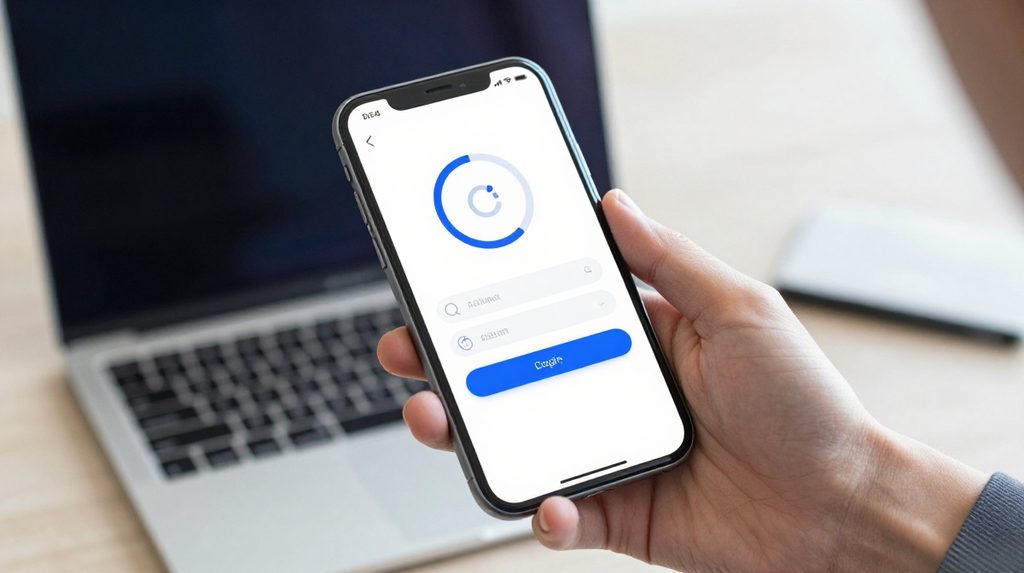
The browser check redirect mostly affects desktop or mobile browser access. If you’re using the dedicated app and getting a redirect loop, the cause is usually different.
App-side redirect loops typically happen after a phone software update changes how the app stores session data. Clearing the app’s data not the same as clearing browser cache usually fixes it. On Android, go to Settings, then Apps, find Lotus365, tap Storage, and hit Clear Data. Reopen the app and log in fresh.
For Android users who want a more stable experience than the browser version, the lotus365 win page has platform-specific guidance that can help you set things up properly.
A Note on Checking Your Browser Vs Being Blocked
There is a difference between a browser check loop and being genuinely blocked. A browser check page with a spinning animation or DDoS protection by Cloudflare text means the verification is failing on your end. Being blocked shows a different message, usually a 403 error or a page that says Access Denied.
If you’re seeing a genuine block rather than a looping check, the cause is usually an IP address that has been flagged. In that case, the fixes above may not help. Changing your IP by switching networks or restarting your mobile data connection tends to work in those situations.
A word on legal status: Online betting and gaming laws in India vary significantly by state. The legal position of platforms like Lotus365 depends on where you live in India and the laws applicable there. In several states, access to such platforms carries legal risk. It is worth checking the rules in your state before using any real-money online gaming platform.