

Picture this: you have accounts on your bank’s net banking portal, PhonePe, Gmail, Instagram, and a few shopping sites. Each one needs a password. If you use the same password everywhere and one site gets hacked, every account you own is at risk. If you use different passwords for each, you’ll forget half of them within a week.
This is a problem millions of Indians deal with every day. India recorded a 20% year-on-year increase in password-stealer attacks on businesses in 2025, with over 2.25 lakh such attacks detected and blocked in corporate networks alone, according to Kaspersky. Home users are just as exposed. A password manager is the most practical answer to this problem, but many people hesitate because they don’t understand what it actually does with their passwords. This article explains that, clearly and honestly.
What a Password Manager Actually Does
A password manager is software that securely stores, organizes, and protects all your login credentials in an encrypted digital vault. Think of it as a very secure safe in your phone or computer. You only need to remember one password to open the safe. The safe does the rest.
When you visit a website and need to log in, the app recognises the page and fills in your username and password for you. When you visit a website and need to log in, the password manager recognises the URL, decrypts the relevant credentials on your device using your master password, and auto-fills the login form. This also protects you from phishing sites, because the app won’t auto-fill on a fake version of your bank’s website.
How Password Managers Store and Protect Login Credentials
This is the part most articles rush through. Here is what actually happens, step by step.
Your passwords are turned into unreadable text
Password managers encrypt your password data with sophisticated algorithms like AES Advanced Encryption Standard. AES-256 is the version most good password managers use. The 256 refers to the length of the encryption key. Breaking it by brute force would take more computing power than exists on earth today. Your passwords don’t sit in the vault as plain text they sit as scrambled characters that mean nothing without the right key.
Your master password is the key
When you set up your password manager, you create a master password. This is the key to unlocking your encrypted vault and accessing your login credentials. The app doesn’t store your master password itself. Instead, it puts your master password through a mathematical process called key derivation. This creates a unique encryption key from your password. That key is what locks and unlocks your vault. If someone steals the vault file but doesn’t have your master password, they get nothing useful.
Encryption happens on your device, not on the company’s server
Good password managers do all the encryption locally, meaning on your own phone or laptop, before anything is sent anywhere. In technical terms, zero-knowledge architecture means that your sensitive data is encrypted on your device before it ever leaves your computer or phone. This is called a zero-knowledge model. The company running the service never sees your actual passwords, not even when your data is synced to their cloud servers.
To understand why this matters, compare it to your e-mail provider. Gmail can read your emails if it wants to, because it holds the keys. A good password manager with zero-knowledge design cannot read your vault, even if an employee tried to or a court order demanded it.
What stays on the company’s server
Even in a cloud-based password manager, what the company stores is only your encrypted vault, which is just scrambled, unreadable data. With zero-knowledge encryption, a server breach exposes only the scrambled data. Without your master password, that data is useless to an attacker. This is very different from a breach at a social media site, where actual names, phone numbers, and plain passwords often leak.
Cloud vs Local: Which Type Is Right for You?
| Type | Where data is stored | Can sync across devices | Best for |
|---|---|---|---|
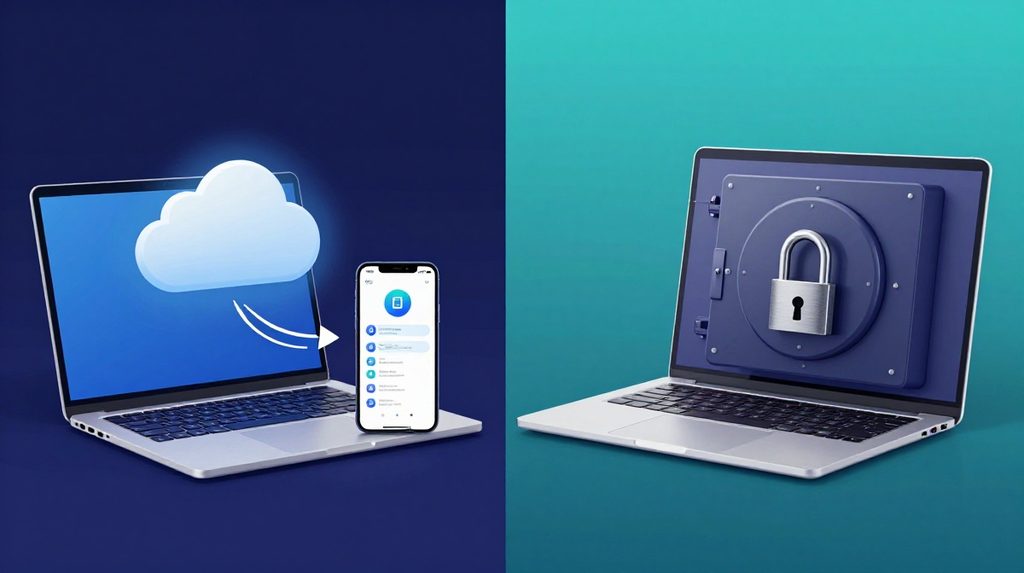
| Cloud-based (e.g., Bitwarden, 1Password) | Company’s encrypted server | Yes | Most users, mobile-first |
| Local (e.g., KeePass) | Your own device only | Only if you set it up manually | Tech-savvy users who prefer full control |
| Browser built-in (Chrome, Safari) | Google/Apple servers | Yes, within that ecosystem | Casual use, lower security than dedicated apps |
For most Indian users who switch between a phone and a laptop, a cloud-based manager with zero-knowledge design offers the best balance of convenience and security. The browser’s built-in option, while easy, typically stores passwords in less secure form and gives the browser company access to your data.
The One Big Risk You Must Know
Every password manager has one weak point your master password.
Password managers usually make it difficult or impossible to recover a master password since it’s used to decrypt your data. If you forget it, your vault is locked forever. There is no forgot password button that sends a reset link to your email. That feature would mean the company can access your data, which defeats the whole purpose.
So choose a master password that is long, memorable, and not used anywhere else. Write it on paper and keep it somewhere physically safe, like a drawer at home. This is the one password that deserves that old-fashioned treatment.
Also, the apps themselves need protecting. You should protect your password manager with two-factor authentication (2FA) to stay safe. Most apps support this. When 2FA is on, someone would need both your master password and your phone to get into your vault.
Does This Make Sense for Indian Users Specifically?
Yes. A large share of Indian internet users manage accounts across UPI apps, net banking, IRCTC, DigiLocker, work email, and social media. Reusing one password across these is a serious risk. The average cost of a data breach in India reached USD 2.18 million in 2023, with phishing responsible for 22% of incidents and compromised credentials for 16%. Individual users face a smaller but real version of the same threat, usually account takeovers leading to financial fraud.
Using a dedicated password manager means each of your accounts gets its own long, random password. Even if one service is breached, the damage stops there. Apps like Bitwarden which has a solid free plan and 1Password work well on Android phones, which most Indian users carry. For platforms like lotus365 win, where you’re logging in with personal credentials, a unique password per account is the right approach.
If you download any gaming or entertainment app, such as a lotus365 apk, store its login in your password manager so it stays separate from your banking or work credentials. Mixing up passwords across accounts of very different risk levels is a common mistake.
What Happens If the Password Manager Company Gets Hacked?

This question comes up often, and the honest answer is it depends on the company’s architecture.
If they use a true zero-knowledge model, a successful server breach gives attackers only encrypted blobs of data. With zero-knowledge encryption, a breach of the password manager’s server yields nothing usable. Attackers would still need your master password to do anything with that data.
However, not every password manager is built this way. Some store encryption keys on their servers. If such a company is hacked, the damage is much worse. Before choosing a password manager, check whether it is audited by independent security researchers and whether it openly publishes its zero-knowledge policy. Open-source tools like Bitwarden allow anyone to inspect their code, which is a good sign.
For an authoritative reference on what encryption standards to look for, the National Institute of Standards and Technology (NIST) guidelines on password security offer a useful baseline.