

Many Indian users search for ways to use Lotus365 on their phones without running into login errors, slow loading, or blocked pages. If you’ve landed here for the same reason, this article will walk you through how mobile access on such platforms typically works and what common problems users face. But before any of that, there is something more important you need to read first.
Important legal notice: India’s Promotion and Regulation of Online Gaming Act, 2025 came into force on May 1, 2026, following a notification issued by MeitY on April 22, 2026 Notification No. S.O. 1994 E. This law bans all online money games in India, including platforms hosted offshore. Lotus365 is an offshore betting platform. Using such platforms after May 1, 2026 carries legal risk for individual users in India. Penalties under the Act can include fines and imprisonment. Please consult a legal professional if you are unsure about your situation.
Is Lotus365 Mobile Access Still Possible in India?
Technically, many users still try to reach offshore platforms through mobile browsers or APK files downloaded from unofficial sources. But technically possible and legally safe are two very different things.
Under the new Online Gaming Act, 2025, both the platforms themselves and the individuals using them for money-based gaming can face consequences. Offshore platforms are explicitly covered by the law, regardless of where their servers are located. So the question is not really how to access Lotus365 on mobile. The better question is whether you should.
For anyone who still wants to understand how such platforms work on mobile, the sections below explain common access methods, typical problems, and how to protect your device and data if you do engage with any online platform.
How Online Betting Platforms Typically Work on Mobile
Most offshore betting platforms, including ones like Lotus365, offer two main ways to access them on a phone. The first is through a mobile browser, where you visit the website directly. The second is through a dedicated app, which is usually an APK file for Android users because such apps are not available on the Google Play Store in India.
iPhone users often face more restrictions because iOS does not allow APK sideloading. Apple’s App Store is tightly controlled, which means iOS users typically rely on the mobile website version or a web app a shortcut added to the home screen.
For both Android and iOS, the lotus365 online version accessed through a browser is usually the most straightforward path when an app is not available through official stores.
Common Mobile Access Problems and What Causes Them
The page won’t load or keeps timing out
This is the most frequent complaint. Offshore platforms often face domain blocking by Indian internet service providers. When a URL stops working, it is usually because the ISP has blocked it, not because of a problem with your phone. Users sometimes try alternate domain links shared on social media, but these carry their own risks including phishing and fake sites.
OTP not received on mobile
If you’re stuck at the OTP screen, the issue is usually one of three things: weak mobile signal, SMS permissions turned off for the browser or app, or a telecom-level filter blocking automated messages. Check that your phone’s SMS permissions are enabled under Settings, and make sure your mobile data or Wi-Fi is stable before retrying.
App crashing after login
Cached data from an older version of the app is often the culprit here. Clearing the app cache go to Settings, then Apps, find the app, and tap Clear Cache usually resolves this. If the app was downloaded from an unofficial source, it may also be outdated or incompatible with your current Android version.
Login works on Wi-Fi but not on mobile data
Mobile carriers sometimes route data through filters that block certain domains. Switching between your home Wi-Fi and mobile data can reveal whether this is the issue. Some users use a VPN to get around this, but using a VPN to access a platform that is now legally banned in India adds another layer of legal complexity.
Practical Mobile Tips Device and Account Safety
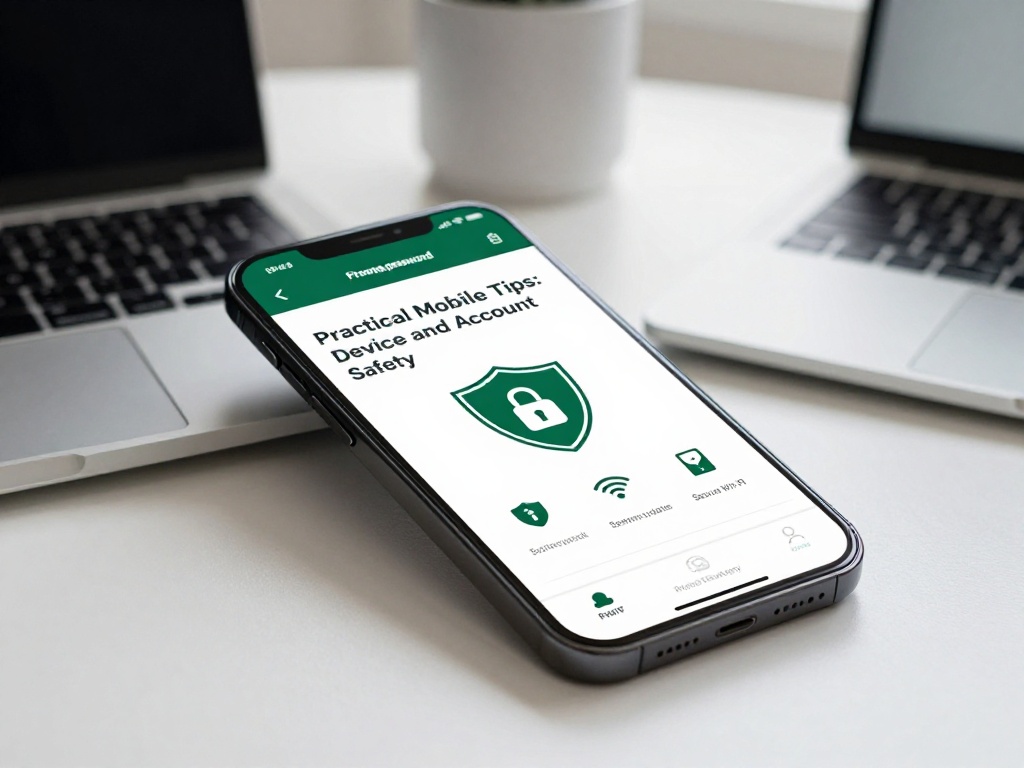
Whether you use any online platform or not, these tips apply broadly and help protect your phone and personal data.
Keep your registered number private. Offshore platforms often ask for your mobile number during registration. Do not share the same number you use for UPI, net banking, or Aadhaar-linked services. A separate SIM used only for non-financial accounts reduces risk if that account is ever compromised.
Never download APKs from WhatsApp forwards or unknown websites. A file shared on a group chat has no verification process. Fake APKs that mimic popular betting apps are a common source of malware in India. Only trust sources directly linked on the platform’s verified social channels, and even then, exercise caution.
Do not save passwords in your phone browser. Auto-saved passwords are convenient but create risk if your phone is lost or accessed by someone else. Use a separate, strong password for any gambling or gaming account, one that you don’t use anywhere else.
Limit the personal information you enter. Platforms that ask for Aadhaar numbers, PAN details, or bank account information beyond basic KYC should be approached with extreme caution. The lotus365 india platform, like many offshore sites, requires some verification, but you should independently verify what is legally required before sharing sensitive documents.
Enable two-factor authentication if the platform offers it. This adds one more step to the login process but makes it significantly harder for someone else to access your account.
A Simple Comparison Browser vs App Access on Mobile
| Feature | Mobile Browser | APK App |
|---|---|---|
| Installation needed | No | Yes (from outside Play Store) |
| Risk of fake/malware version | Lower | Higher |
| Works on iOS | Yes | No (sideloading not supported) |
| Affected by domain blocks | Yes | Sometimes (uses same domains) |
| Updates needed manually | No | Yes |
| Data saved between sessions | Partial (cookies) | Yes (app storage) |
For most users, the browser version is safer in terms of device security, though it may load more slowly on a weak connection.
What to Do If You Want to Stop Using the Platform
If you have money stuck in an account on any offshore betting platform, withdrawing it to your registered bank account or UPI wallet is the most straightforward option. Do this as soon as possible through the platform’s standard withdrawal process. Do not share your account details with third parties who claim they can recover your funds, as this is a common scam targeting users of offshore platforms.
If you are concerned about problem gambling or feel that betting is affecting your daily life, the iCall helpline run by TISS Tata Institute of Social Sciences in Mumbai offers free psychological counselling. You can reach them at 9152987821.